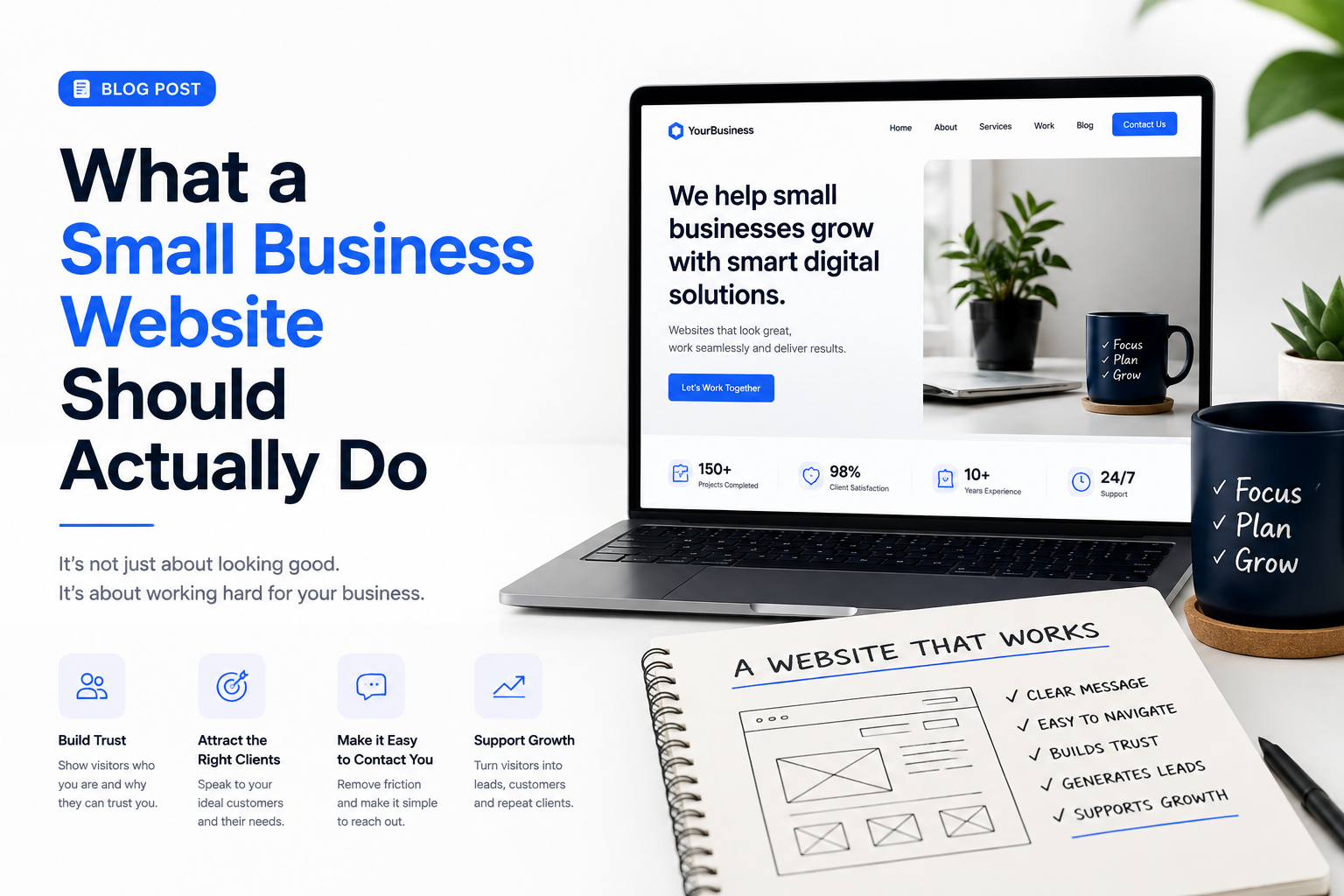
A small business website should do more than look professional.
It should help people understand the business, build confidence, answer common questions and make it easy for potential customers to take the next step.
Many businesses spend a lot of time choosing colours, photographs, animations and layouts. These things matter, but they are not the main purpose of a website. A good website should work as part of the business. It should help attract customers, support sales and reduce the effort required to explain the same information repeatedly.
Here is what a small business website should actually be doing.
1. Explain What You Do Quickly
When someone arrives on your website, they should not have to work out what your business does.
Within the first few seconds, a visitor should be able to understand:
What you offer
Who it is for
What problem you solve
What they should do next
A vague headline such as "Welcome to Our Website" does very little.
Something more specific such as "Professional Website Design for Small Businesses" immediately gives the visitor useful information.
Clarity is more important than clever wording.
People usually visit a business website because they are looking for an answer, a service or a solution. Make it easy for them to find it.
2. Build Trust
Before contacting a business, many customers will look at its website.
They may already have heard about the company through a recommendation, social media post, advertisement or Google search. The website becomes part of their decision about whether the business looks credible.
A professional website should give visitors reasons to trust you.
This can include customer testimonials, examples of completed work, qualifications, business information, case studies and clear contact details.
For some businesses, photographs of the team or workplace can also help.
People want to know that there is a genuine business behind the website.
Trust is particularly important when customers are being asked to spend significant money, provide personal information or make a long term commitment.
3. Generate Enquiries
A website should make it easy for interested visitors to contact the business.
This sounds obvious, but many websites make customers search for a phone number, email address or enquiry form.
Every important page should provide a clear next step.
That might be:
"Request a Quote"
"Book a Consultation"
"Call Us"
"Send an Enquiry"
"Start Your Project"
"Book an Appointment"
The wording will depend on the business, but the principle is the same.
Do not make potential customers work harder than necessary to contact you.
4. Show What You Have Done
For service businesses, evidence is powerful.
A web designer can show previous websites.
A builder can show completed projects.
A photographer can show a portfolio.
A consultant can present case studies.
A software company can demonstrate applications it has created.
Showing previous work helps customers imagine what you could do for them.
A useful project example should explain more than what was produced. Where possible, describe the problem, what you delivered and the result.
This gives the visitor a clearer picture of how you work.
5. Answer Common Questions
Customers often ask similar questions before buying.
How much does it cost?
How long does it take?
What areas do you cover?
What happens after I make an enquiry?
Do you offer ongoing support?
Can the service be customised?
A website can answer many of these questions before the customer contacts you.
This saves time for both sides.
It also helps potential customers decide whether your service is suitable for them before starting a conversation.
A useful FAQ section can therefore be much more valuable than simply filling space at the bottom of a page.
6. Explain Your Services Properly
A small business website should not simply list services.
It should explain them.
Visitors want to understand what they are getting and why it matters.
Instead of writing:
"Website Design"
you could explain:
"We design responsive business websites that help customers understand your services, view your work and contact you easily from any device."
The second version gives the visitor context.
Each major service should ideally have enough information for someone to understand what is included, who it is suitable for and what outcome they can expect.
7. Help Customers Find You
Your website should also support how people discover your business through search engines.
If someone searches for a service you provide, your website should give search engines enough information to understand your business.
This means having clear page titles, useful service descriptions, appropriate headings and content that reflects what customers are actually searching for.
For local businesses, location information is also important.
A plumber serving Manchester should make that clear.
A web designer working with businesses across the UK should say so.
Search engines cannot promote information that a website does not provide.
8. Work Properly on Mobile Phones
For many businesses, a large percentage of visitors will first see the website on a phone.
A website that looks impressive on a large monitor but becomes difficult to use on mobile is not doing its job.
Text should be readable.
Buttons should be easy to tap.
Forms should be simple to complete.
Images should load quickly.
Menus should be easy to understand.
Important information should not disappear simply because someone is using a smaller screen.
Mobile design should be considered from the beginning, not added at the end.
9. Make It Easy to Buy or Book
If your business allows customers to purchase, book or request something online, the process should be simple.
Every unnecessary step creates another opportunity for someone to leave.
A booking process should explain availability, pricing and what happens next.
An online store should make products easy to find and purchase.
A consultation form should ask only for information that is genuinely useful.
The goal is not to collect as much information as possible.
The goal is to make it easy for the customer to move forward.
10. Show Your Pricing When Appropriate
Many small businesses avoid mentioning prices because every project is different.
That can make sense, but providing some guidance can still be useful.
You might show:
"Websites from £995"
"Monthly plans from £49"
"Packages starting at £500"
or simply provide different service packages.
Pricing helps potential customers understand whether your business is within their budget.
It can also reduce enquiries from people who were never likely to become customers.
If exact pricing is impossible, explaining what affects the price can still help.
11. Collect Useful Leads
Not every visitor will be ready to buy immediately.
A good website can create other opportunities to stay connected.
Visitors might subscribe to a newsletter, download a guide, request a brochure or follow your social media pages.
This gives the business another opportunity to build a relationship with someone who may become a customer later.
The key is to offer something genuinely useful rather than simply asking for an email address.
12. Support Existing Customers
A website is not only for attracting new customers.
It can also help existing ones.
You might provide:
Support information
User guides
Frequently asked questions
Customer login areas
Appointment management
Documentation
Contact options
Service updates
If customers regularly contact you with the same questions, consider whether the website could answer some of them.
This can reduce support workload while giving customers faster access to information.
13. Represent the Business Properly
Your website is often one of the first experiences someone has with your brand.
It should feel consistent with the business itself.
A professional services company may want to appear experienced and dependable.
A children's activity business may want to feel friendly and energetic.
A technology company may want to communicate innovation and technical ability.
Good design supports that message.
The colours, typography, photography, writing style and layout should all work together to create the right impression.
14. Measure What Is Working
A website should provide information that helps the business improve.
Analytics can show where visitors come from, which pages they view and where they leave.
You can also track useful actions such as:
Contact form submissions
Phone calls
Quote requests
Product purchases
Newsletter subscriptions
Appointment bookings
This information helps answer an important question:
Is the website actually helping the business?
Without measurement, it is easy to focus on appearance while missing problems with performance.
15. Give Visitors a Clear Next Step
Every important page should lead somewhere.
After someone reads about your services, what should they do?
After they view your portfolio, what happens next?
After they read a blog article, where do you want them to go?
A visitor should rarely reach the end of a page and be left wondering what to do.
A simple call to action can guide them towards the next stage.
Your Website Should Work for the Business
A small business website should not be treated as an online brochure that gets redesigned every few years and then forgotten.
It should be a working part of the business.
It should answer questions.
It should build trust.
It should generate enquiries.
It should showcase your work.
It should support customers.
Most importantly, it should help turn interested visitors into real business opportunities.
A beautiful website that produces no enquiries may still have a problem.
A simple website that consistently brings the right customers into the business is doing exactly what it was created to do.
The best small business websites manage to achieve both.